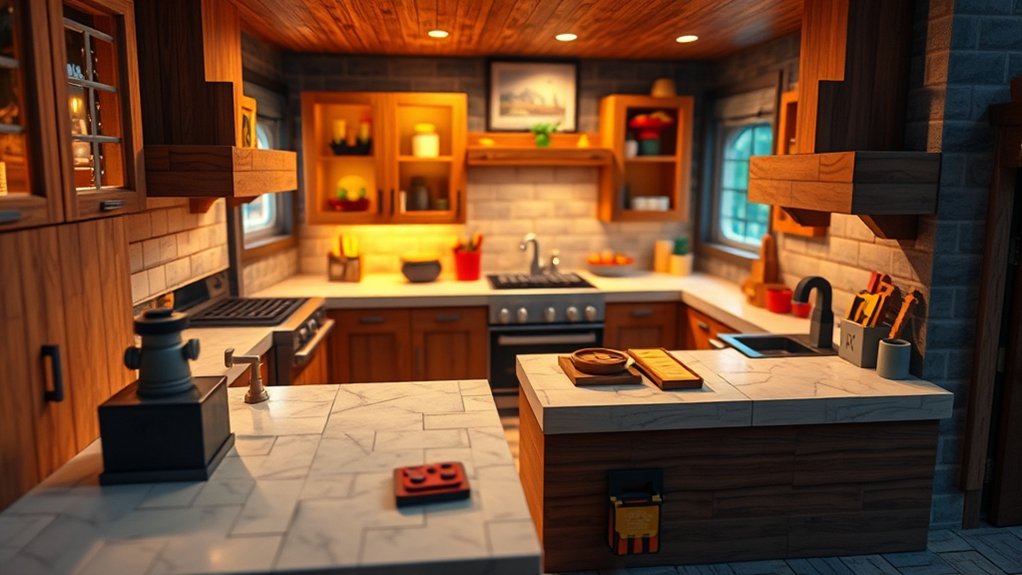
How to Make a Kitchen in Minecraft in 10 Easy Steps
If you’ve ever tried to create a kitchen in Minecraft, you know it can be tricky to get everything just right. You’re not alone—many players struggle to design a space that’s both functional and stylish. Whether you want a cozy cooking area or a fully equipped prep zone, having a clear plan can make all the difference.
To make a kitchen in Minecraft, start by gathering wood, stone, and iron for tools and furniture. Choose a spacious, accessible spot near your farm or storage.
Plan a simple layout with cooking, prep, and storage zones using rectangles or L-shapes.
Add furnaces, cauldrons, and chests for crafting and storage. Light the space with natural and artificial sources, then decorate with flower pots and item frames. Personalize using colors and banners.
Follow these steps, and you’ll soon create a functional, stylish kitchen to fit your world perfectly.
Key Takeaways
- Gather essential materials like wood, stone, and iron for building and crafting kitchen tools and furniture.
- Choose a spacious, accessible location near storage and farming areas for convenience.
- Plan a simple kitchen layout using rectangles or L-shapes. Place furnaces and prep zones efficiently.
- Add functional elements like furnaces, cauldrons, and organized storage with labeled chests and shelves.
- Enhance lighting with natural and artificial sources. Decorate with flowers and item frames, and personalize with colors and banners.
Gather Materials for Your Minecraft Kitchen
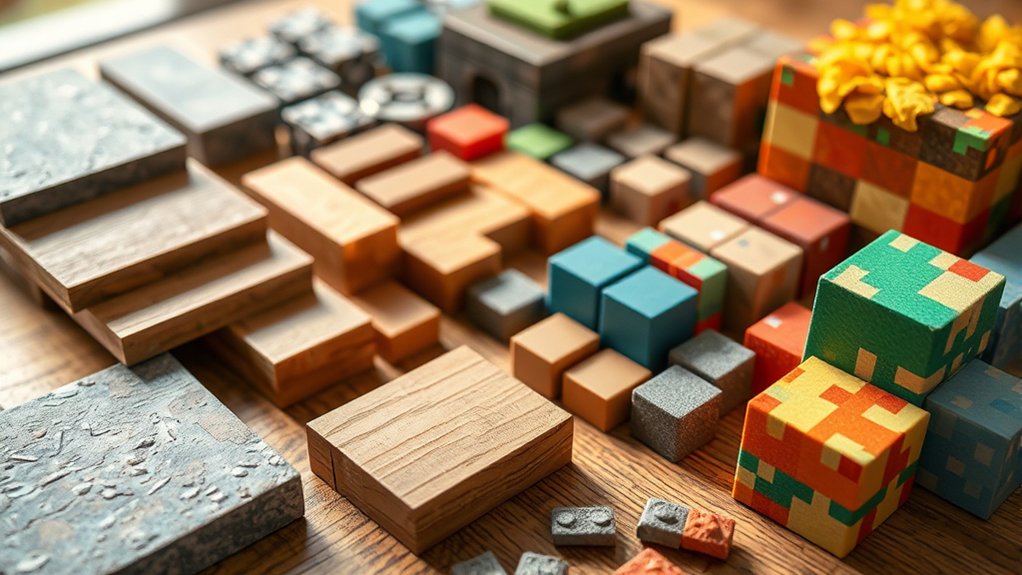
To build your Minecraft kitchen, you’ll need to gather essential materials like wood planks, stone, and iron. Start by collecting wood from trees to craft planks, which form the basis of your kitchen’s structure and furniture.
Stone is crucial for making furnaces, where you’ll cook various cooking recipes. Iron will help you craft tools and containers like cauldrons or iron doors, enhancing your kitchen’s functionality.
Don’t forget about farm animals; they provide vital ingredients such as milk, eggs, and meat, all necessary for diverse cooking recipes. Setting up a small farm near your kitchen ensures a steady supply of these resources.
Collecting these materials efficiently means you can quickly build and stock your kitchen, making it a hub for preparing meals and managing your farm animals. Focus on gathering just what you need to keep the process smooth and straightforward.
Pick the Perfect Location for Your Kitchen
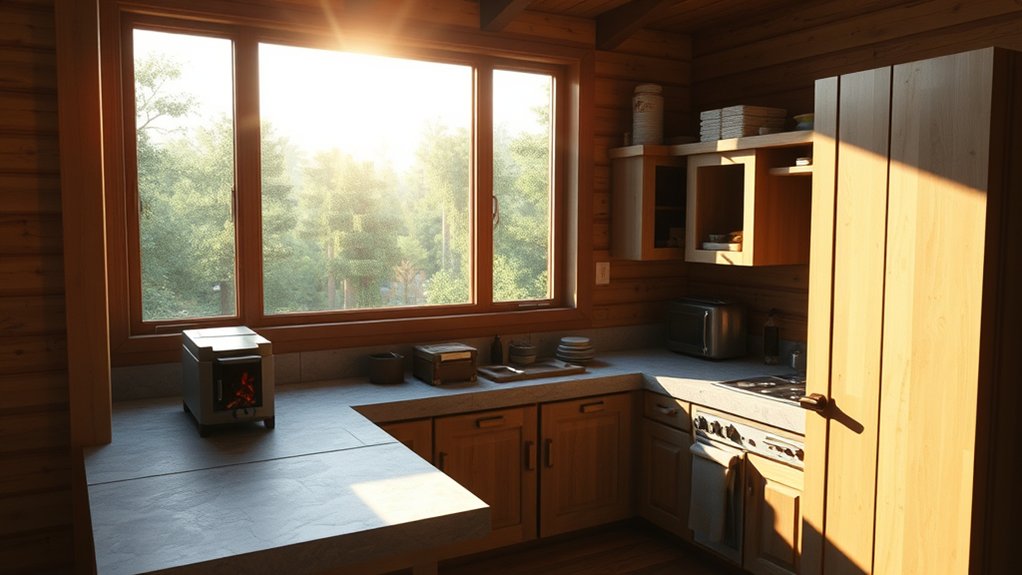
Although you’ve gathered all the necessary materials, choosing the right spot for your kitchen is essential for both convenience and efficiency. Start by considering your garden layout. Placing your kitchen near the garden lets you easily harvest fresh ingredients and bring them straight inside. This proximity saves time and keeps your workflow smooth.
Next, think about storage organization. Position your kitchen close to your main storage area or design a dedicated storage zone nearby. This way, you won’t waste time running back and forth to grab items, making cooking and crafting faster.
Also, pick a location with enough space to expand later if needed. Avoid cramped corners or spots that block pathways. Keep your kitchen accessible from other key areas like your dining or living rooms to maintain a natural flow.
Plan Your Kitchen Layout Using Simple Shapes
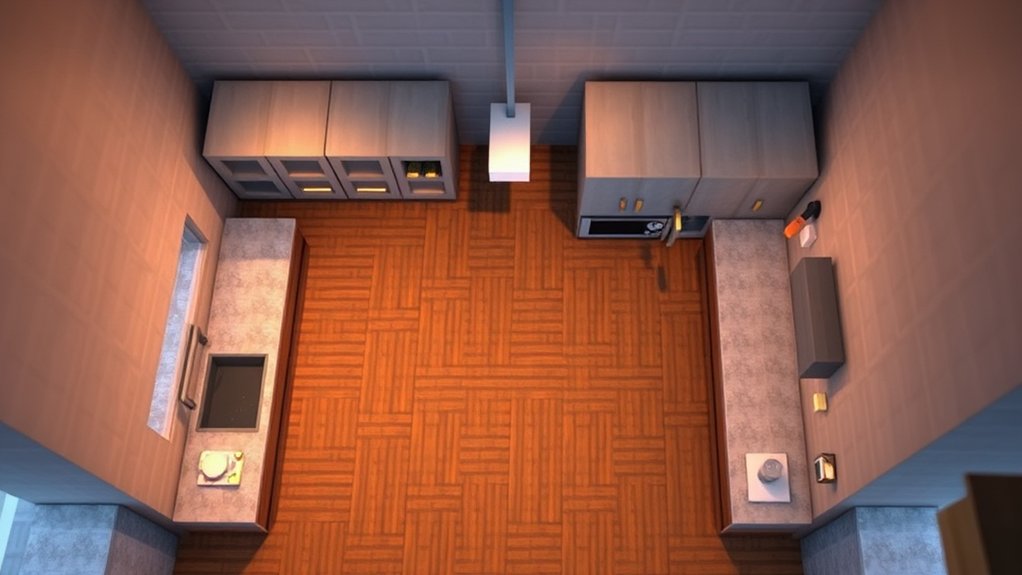
You’ll want to start by choosing simple shapes like squares or rectangles to outline your kitchen’s layout. Then, arrange your cooking, storage, and prep areas into clear zones to keep things functional. This way, you can make the most of your space and keep your kitchen efficient.
Choosing Basic Kitchen Shapes
When planning your Minecraft kitchen, start by choosing simple shapes like rectangles, L-shapes, or U-shapes to organize your space efficiently. Rectangles work well for narrow spaces and let you line up your kitchen furniture like counters and storage blocks neatly.
L-shapes fit nicely in corners, giving you two connected walls to place crafting tables and furnaces. This setup is perfect for preparing cooking recipes. U-shapes offer more countertop area, which helps if you want to display multiple kitchen furniture pieces like chests and cauldrons.
Picking the right shape makes it easier to navigate and find everything you need when following cooking recipes. Keep your layout simple to guarantee your kitchen feels functional and inviting without overcrowding your Minecraft build.
Arranging Functional Zones
Since a well-organized kitchen boosts your efficiency, start by dividing your space into functional zones like cooking, preparation, and storage. This helps you follow cooking recipes smoothly without unnecessary movement.
Place your ingredient storage close to the preparation zone so you can quickly grab items. The cooking zone should be near heat sources like furnaces or campfires to keep things realistic and practical.
| Functional Zone | Purpose |
|---|---|
| Cooking | Execute cooking recipes |
| Preparation | Chop and assemble ingredients |
| Ingredient Storage | Store raw materials and tools |
Optimizing Space Efficiency
After setting up your kitchen’s functional zones, focus on maximizing the available space by planning your layout with simple shapes. Use rectangles or squares to define work areas clearly, helping you organize efficiently within Minecraft’s blocky world.
Position vintage appliances along one wall to add charm without cluttering the space. Meanwhile, balance this with sleek countertops and modern decor elements to maintain a clean, open feel. Keep pathways wide enough to move freely but tight enough to conserve space.
Incorporate vertical storage by stacking cabinets or shelves, which fits naturally into simple geometric layouts. By sticking to these straightforward shapes, you’ll create a kitchen that’s both stylish and practical, making the most out of every block while blending vintage and modern touches seamlessly.
Add Crafting Stations: Furnaces and Cauldrons
You’ll want to place furnaces where they’re easy to access but don’t block movement in your kitchen. They’re perfect for cooking up meals or smelting ores, so having them handy makes things run smoothly.
Cauldrons, on the other hand, are great for holding water and even dye, adding both function and style to your space. Plus, they can be used for brewing potions if you’re into that kind of thing.
When it comes to crafting these stations, materials like stone or iron work best. They not only ensure durability but also help your kitchen keep a cohesive look and purpose. So, think about where you want them and how they’ll fit into the overall vibe of your kitchen.
Furnace Placement Tips
When setting up your kitchen, placing furnaces and cauldrons strategically can streamline your crafting process. Proper furnace placement helps you access cooking recipes quickly while maintaining kitchen cleanliness.
Position furnaces so you can easily move between them and other stations, minimizing clutter and allowing smooth workflow.
Consider these tips:
- Place furnaces near storage chests to grab ingredients swiftly for cooking recipes.
- Avoid blocking pathways to keep your kitchen clean and accessible.
- Group furnaces together for efficient multitasking without wasting space.
Cauldron Uses Explained
Although furnaces are essential for cooking and smelting, cauldrons offer unique functions that improve your kitchen’s versatility in Minecraft. You can fill cauldrons with water, lava, or even powdered snow, which opens up various practical uses.
Cauldrons allow you to wash dyed leather armor or remove potion effects from tipped arrows, making them valuable beyond simple storage. Cauldron recipes include dyeing leather armor and creating colored water for decorative purposes.
Moreover, cauldrons interact with redstone and can trigger signals based on their fill level, adding automation options to your kitchen setup. While cauldrons themselves don’t hold enchantments, enchantments like Aqua Affinity and Frost Walker improve how you gather or use water around cauldrons, making them a clever addition to your crafting stations.
Crafting Station Materials
How do furnaces and cauldrons shape your Minecraft kitchen’s functionality? These crafting stations are essential for preparing food and managing resources efficiently. Furnaces let you cook a variety of items using fuel, unlocking many cooking recipes that keep your kitchen productive. Cauldrons hold water or potions, adding versatility to your setup.
To enhance your kitchen using these stations, consider:
- Utilizing furnaces for smelting and cooking multiple food types, boosting your resource output.
- Filling cauldrons with water for easy access or using them with potions for specialized effects.
- Integrating Redstone mechanisms to automate furnaces or trigger cauldrons, streamlining your kitchen workflow.
Build Counters and Cabinets With Wood and Stone
Since counters and cabinets form the backbone of any kitchen, you’ll want to carefully choose materials like wood and stone to match your design. Wood offers warmth and variety, coming in oak, birch, or spruce planks for different shades.
Stone, such as polished andesite or smooth stone, provides a sleek, modern look. Start by crafting wooden slabs or stone blocks to create countertops where you can place furnaces or crafting tables, essential for cooking recipes.
Cabinets can be built with wooden stairs or trapdoors to simulate doors and shelves, giving your kitchen a realistic feel. Using these materials not only improves aesthetics but also connects to your farming techniques.
Wood is renewable through tree farming, and stone is abundant underground, keeping your kitchen sustainable. By combining wood and stone thoughtfully, you create a functional and visually pleasing kitchen space that supports your culinary adventures and farming progress.
Design Storage Solutions With Chests and Shelves
After setting up your counters and cabinets with wood and stone, you’ll want to organize your kitchen by adding effective storage solutions. Good storage organization not only keeps your Minecraft kitchen tidy but also makes it easier to find ingredients and tools quickly. Chests are your go-to for bulk storage, while shelves add a decorative yet functional touch.
Here are some tips for designing your storage:
- Use double chests for storing large quantities of food and cooking supplies.
- Incorporate item frames on chests to label contents and improve organization.
- Build shelves using slabs or trapdoors to display pots, jars, or food items, enhancing shelf design and accessibility.
Mixing chests and shelves creates a visually appealing and practical kitchen. Remember, thoughtful storage organization saves you time and effort when cooking or crafting in Minecraft.
Light Up Your Kitchen for Better Visibility
You’ll want to pick the right light sources to keep your kitchen bright and functional. Try to place lights strategically so you can eliminate dark spots and improve visibility while you work. And don’t forget to add some ambient lighting—it really helps make your kitchen feel cozy and inviting.
Choosing Light Sources
Where should you place your light sources to keep your Minecraft kitchen bright and functional? Start by taking into account natural lighting. Windows let sunlight flood your space during the day, saving resources and adding warmth.
Next, choose decorative fixtures to improve your kitchen’s style while providing ample light. Here are three great options to consider:
- Glowstone blocks: Bright and easy to integrate into walls or ceilings.
- Sea lanterns: Add a sleek, modern look with strong illumination.
- Lanterns and torches: Offer a cozy, rustic vibe and can be hung or placed on counters.
Optimizing Light Placement
Placing your light sources strategically guarantees your Minecraft kitchen stays bright and easy to navigate at all times. Focus on balancing natural ventilation with artificial light to avoid dark corners without blocking airflow.
Use glowstone or lanterns near windows to amplify daylight while keeping your kitchen airy. Incorporate soundproofing techniques by placing light sources away from noisy blocks, improving the kitchen’s comfort.
Here’s a quick guide for optimizing light placement:
| Placement Area | Purpose |
|---|---|
| Above countertops | Clear workspace |
| Near stove | Safety and visibility |
| Central ceiling | General brightness |
| Near windows | Boost natural light |
| Corners | Eliminate shadows |
Follow this layout to ensure your kitchen feels bright, spacious, and functional without sacrificing natural ventilation or quiet.
Enhancing Ambiance With Lighting
Although functional lighting guarantees safety and visibility, improving ambiance transforms your Minecraft kitchen into a warm, inviting space. You can easily create a cozy atmosphere by combining lighting with other decorative elements.
Try adding soft light sources that complement your kitchen’s design while promoting comfort. Consider these tips:
- Use glowstone or sea lanterns hidden behind decorative rugs to create subtle, warm floor lighting.
- Incorporate redstone lamps with switches to control brightness, setting the mood alongside ambient music.
- Place lanterns or candles on countertops and shelves to add flickering light effects that improve realism.
Decorate With Flower Pots, Item Frames, and Details
To bring your Minecraft kitchen to life, you’ll want to add small decorative touches like flower pots and item frames that showcase your creativity. Place flower pots on countertops or windowsills and fill them with vibrant flower arrangements, such as tulips or daisies. This adds natural color and warmth. These flower arrangements act as charming decorative accents that make your kitchen feel cozy and inviting.
Next, use item frames to display kitchen-related items like tools, food, or utensils. Hanging an item frame with a cooked chicken or a wooden spoon on the wall adds personality and practical detail to your kitchen space. You can also arrange multiple frames in a pattern to create visual interest.
Beyond flower pots and item frames, don’t forget small details like buttons, trapdoors, and slabs to simulate knobs, shelves, or countertops. These subtle decorative accents help your kitchen feel more authentic and complete without overwhelming the space.
Customize Your Kitchen Using Colors and Banners
Adding colors and banners gives you a simple way to personalize your Minecraft kitchen and make it stand out. Start by choosing color schemes that match your overall kitchen style, whether it’s modern, rustic, or cozy.
You can use colored wool, concrete, or terracotta blocks to create walls, counters, and flooring that pop with your chosen palette. Next, design custom banners to add unique flair. Banners can mimic kitchen utensils, food items, or abstract patterns that complement your color schemes.
Place them strategically on walls or furniture to amplify the vibe.
Here’s how to customize effectively:
- Pick 2-3 complementary colors to keep your kitchen cohesive.
- Experiment with banner designs using Minecraft’s loom to create patterns or symbols.
- Use banners as wall art, cabinet fronts, or even fridge decorations.
Test and Use Your Minecraft Kitchen Setup
Once you’ve built and personalized your kitchen, it’s important to test every feature to guarantee it works smoothly during gameplay. Try out different cooking recipes using your kitchen furniture, like furnaces, crafting tables, and chests, to verify everything functions as expected.
Check if your storage is accessible and if your layout feels comfortable while cooking. This hands-on testing helps you spot any tweaks needed before you plunge into serious food crafting.
Here’s a quick emotional guide to how your kitchen setup might feel during testing:
| Feeling | Cause | Solution |
|---|---|---|
| Excited | Successful cooking recipe | Keep experimenting with food |
| Frustrated | Furniture hard to reach | Rearrange for easier access |
| Proud | Efficient layout | Share your kitchen design! |
Frequently Asked Questions
Can I Make a Kitchen in Minecraft Creative Mode Only?
You don’t have to stick to creative mode to make a kitchen in Minecraft, but it’s definitely easier there. You can freely experiment with your kitchen layout and add decorative appliances without worrying about resources.
Creative mode lets you focus on design, placing blocks perfectly and trying out different styles. In survival, you can still build a kitchen, but gathering materials and crafting decorative appliances takes more effort and time.
What Food Items Can I Cook in a Minecraft Kitchen?
You can cook almost an entire feast in Minecraft’s kitchen! From juicy steaks and succulent pork chops to golden potatoes and even mysterious rabbit stew, the variety is huge. Use cooking recipes to turn raw ingredients into delicious meals that boost your hunger bar.
Don’t forget food storage. Chests and barrels keep your ingredients and cooked food organized, so you’re always ready to whip up a tasty bite in no time.
How Do I Prevent Mobs From Entering My Kitchen?
To keep mobs out of your kitchen, you should install mob-proof doors like iron doors with buttons or pressure plates so only you can enter. Adding trap mechanisms around your kitchen, such as lava pits or dispensers shooting arrows, helps deter hostile mobs.
Lighting the area well also prevents mobs from spawning nearby. Combining these methods guarantees your kitchen stays safe and mob-free while you cook up your Minecraft meals.
Can I Automate Cooking in My Minecraft Kitchen?
Of course, you can’t automate cooking in Minecraft at all said no one ever. You can totally set up Redstone powered cooking systems to handle your meals while you focus on other tasks.
Combine automated ingredient harvesting with hoppers and furnaces to keep food flowing nonstop. With clever Redstone wiring, you’ll have your kitchen running smoothly, making cooking as effortless as mining diamonds.
Are There Any Mods to Enhance Kitchen Building in Minecraft?
Yes, you can improve your kitchen building in Minecraft with mods like MrCrayfish’s Furniture Mod, which adds stylish kitchen decor and realistic cooking appliances. You’ll find everything from sinks and ovens to refrigerators that make your kitchen feel complete.
Another great option is the Cooking for Blockheads mod, offering useful appliances and a kitchen-themed interface to streamline cooking. These mods’ll definitely raise your kitchen’s look and functionality.
Conclusion
Now that your kitchen glows warmly with flickering furnace light and colorful banners dance on the walls, picture yourself crafting meals with ease. The counters, smooth and sturdy, invite you to experiment, while flower pots add a splash of life.
This cozy space isn’t just blocks; it’s where your Minecraft world feels alive and welcoming. Immerse yourself, cook up something amazing, and let your kitchen be the heart of your Minecraft adventure.